Location
Mount Vernon, WA 98274

Location
Mount Vernon, WA 98274
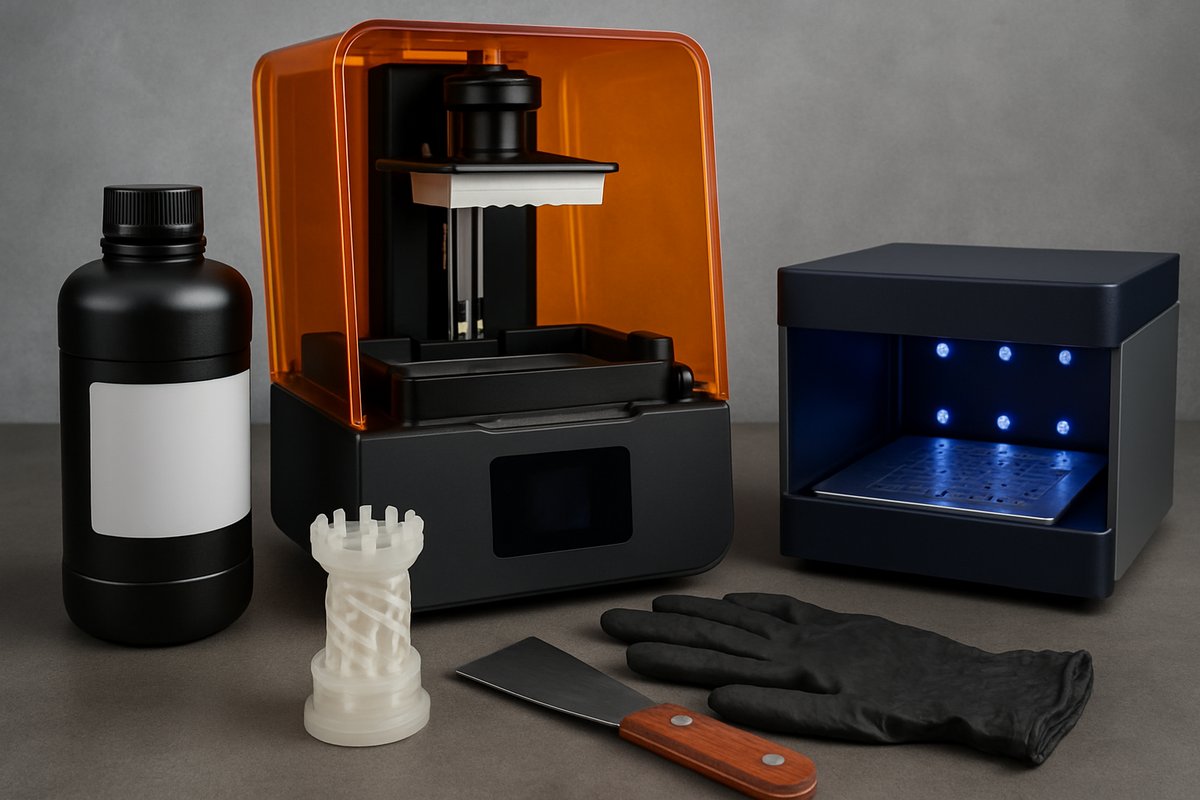
Dive into the world of stereolithography (SLA) resin printing, from selecting the right photopolymer resin to perfecting post-processing. This guide walks you through each stage-model prep, printer setup, layer exposure and curing-to help you unlock fine detail, smooth surfaces and durable prototypes.
Additive manufacturing has transformed how we bring digital designs into the physical world. Among its many flavors, stereolithography (SLA) resin printing stands out for its ability to capture intricate features and smooth surfaces in one go. Whether you’re prototyping small gears, dental models or fine art miniatures, SLA can deliver a level of detail that filament processes often struggle to match. This guide breaks down the most important steps-from choosing a resin to final curing-so you can confidently create stunning parts on your own desktop printer.
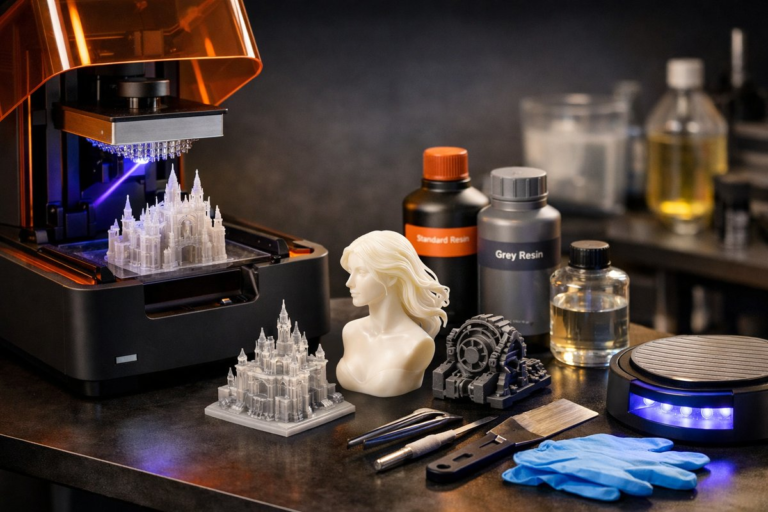
First, understand why SLA excels at fine detail. In contrast to melted plastic filaments, SLA uses a liquid photopolymer that cures under precise UV light. Each layer can be as thin as 25 microns, letting you reproduce sharp edges, crisp textures and near-zero layering marks. Many hobbyist desktop SLA machines now employ an LCD mask or digital light projector, which flashes an entire layer at once, speeding up prints compared to laser-based systems. You’ll need a level build plate, stable platform and proper resin handling, but the rewards-in quality and variety of materials-are well worth the effort.
Choosing the right resin sets the stage for success. Standard clear or gray resins are a great place to start. They cure predictably and reveal layer transitions clearly, helping you dial in exposure times. If you need tougher parts, look for engineering resins formulated for higher impact resistance or flexibility. Dental-grade resins and castable blends bring specialized use cases into reach: jewelry prototypes, custom medical tools or investment casting patterns. When shopping, check the resin’s recommended exposure settings and compatibility with your printer’s UV wavelength. Keep a fresh bottle on hand and store it in a cool, dark place to maintain stability.
With resin in hand, it’s time to prepare your 3D model. Common slicing software for SLA includes tools that automatically generate support structures-slender scaffolds that hold overhangs in place during printing. Position parts at a slight angle (usually 10-30 degrees) to minimize flat contact areas. This reduces suction forces and helps excess resin drain away, ensuring cleaner surfaces. Avoid large horizontal faces that sit flat on the build plate, or you may face separation issues. Tweak support density and tip size to balance strength with ease of removal. Remember that delicate models require thinner, more spaced supports, while heavy overhangs need robust scaffolding.
Printer setup and calibration are essential for crisp results. Start by leveling the build plate according to manufacturer instructions; an uneven plate can lead to first-layer failures or uneven adhesion. Clean the vat and replace the FEP film periodically to prevent cured resin from sticking and warping. Many enthusiasts use a small spirit level or calibration card to verify correct angles. Next, adjust your exposure times. Although resin vendors provide baseline values, factors like room temperature and vat opacity can alter curing. Run a test print-a simple calibration disc or line pattern-to fine-tune top and bottom layer exposures. Shorter exposures mean finer detail, but if layers don’t adhere properly, parts can delaminate.
Now you’re ready to slice and print. After generating your support-laden model in the slicer, transfer the file to the printer via USB or network. Before plunging the build plate into the resin, shake the bottle to mix any settled pigments. Pour resin gently until it reaches the recommended fill line. Hit print and watch as the plate descends into the vat, lifting cured layers out of the liquid with each pass. Ambient light should be dim-direct sunlight or room lights can prematurely cure resin in the vat.
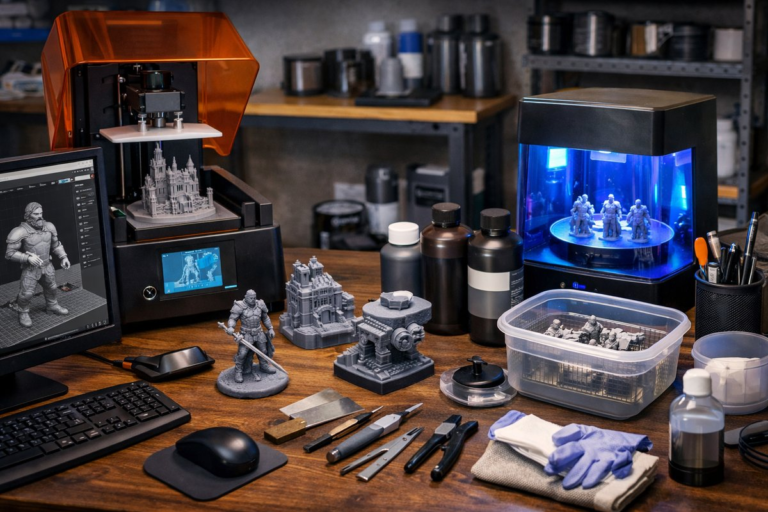
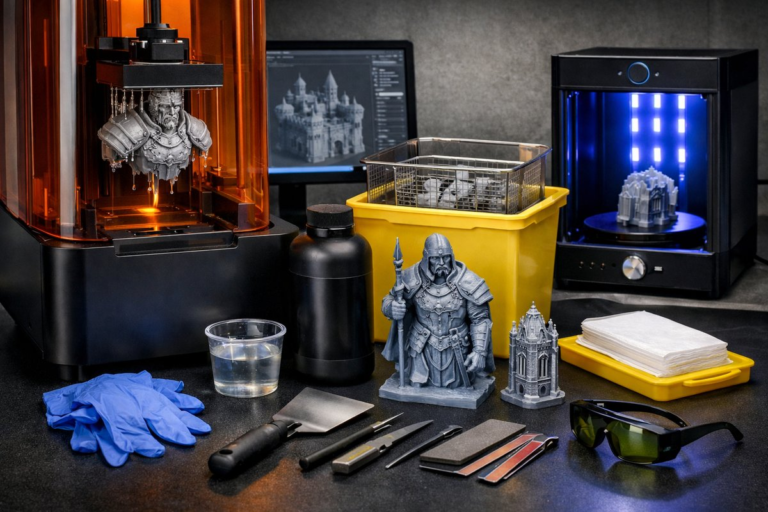
As printing completes, you’ll find your part suspended on the build plate, covered in uncured resin. Use a disposable scraper and nitrile gloves to detach the piece and transfer it to a wash station. Isopropyl alcohol (IPA) at 90 percent or higher is the most common cleaning agent, rinsing away sticky residue. A dual wash and cure station speeds up the process: drop the part into the wash tub, agitate or use a gentle ultrasonic cycle, then move it directly into the UV curing chamber. If you don’t have a combined unit, rinse by hand and let parts air-dry on a clean surface before curing.
Curing brings final strength and stability. Overexposure can cause yellowing or brittleness, while underexposure leaves parts tacky. Aim for 2-5 minutes per side in a 405 nm UV chamber, rotating the part halfway through for even exposure. Some users add a white reflector or paint the chamber walls to boost uniformity. Once cured, snap off supports with flush cutters, then sand or polish attachment points for a flawless finish. For the highest polish, wet-sand through fine-grit papers and use a plastic polishing compound.
Safety and workspace setup often go overlooked but are vital for a smooth experience. Resin fumes can irritate, so work in a well-ventilated area or under a fume hood. Wear nitrile gloves, an apron and protective eyewear when handling uncured resin. Store waste resin and IPA in sealed containers for proper disposal according to local regulations. Keep a dedicated resin printing workspace, with mats or trays to protect surfaces from spills, and label all chemicals clearly. Good housekeeping prevents accidents and cross-contamination with other projects.
Once you’ve mastered these steps, experiment with custom resins and post-processing techniques. Try tinted or glow-in-the-dark resins for artistic pieces, or mix specialty additives like ceramic powders for unique textures. Build multi-resin setups with peel-film vats that simplify material changes. Learn advanced support patterns-tree supports, lattice structures or custom rafts-to reduce print time and material use. The FDA-clear resins open doors to medical prototyping, while high-temperature engineering resins endure functional tests under heat and pressure.
Resin printing offers an unmatched balance of precision and versatility. You’ll tackle tiny gears, architectural models and jewelry prototypes with ease, all while exploring new materials that push your creativity. By following these guidelines-from selecting resin and calibrating exposure to cleaning and curing-you’ll produce parts that look and feel professional. Turn your digital visions into reality one fine layer at a time, and soon you’ll discover why SLA remains a cornerstone of additive manufacturing innovation.
Ready to start? Gather your essentials, set up your printer area and embark on a journey that turns intuition into tangible form. Whether you’re a first-time hobbyist or a seasoned maker, the satisfaction of watching high-res prints emerge from liquid resin is a reward few techniques can match. Experiment boldly, iterate quickly and share your breakthroughs-resin printing is a collaborative frontier where every layer builds community as much as it builds objects.