Location
Mount Vernon, WA 98274

Location
Mount Vernon, WA 98274
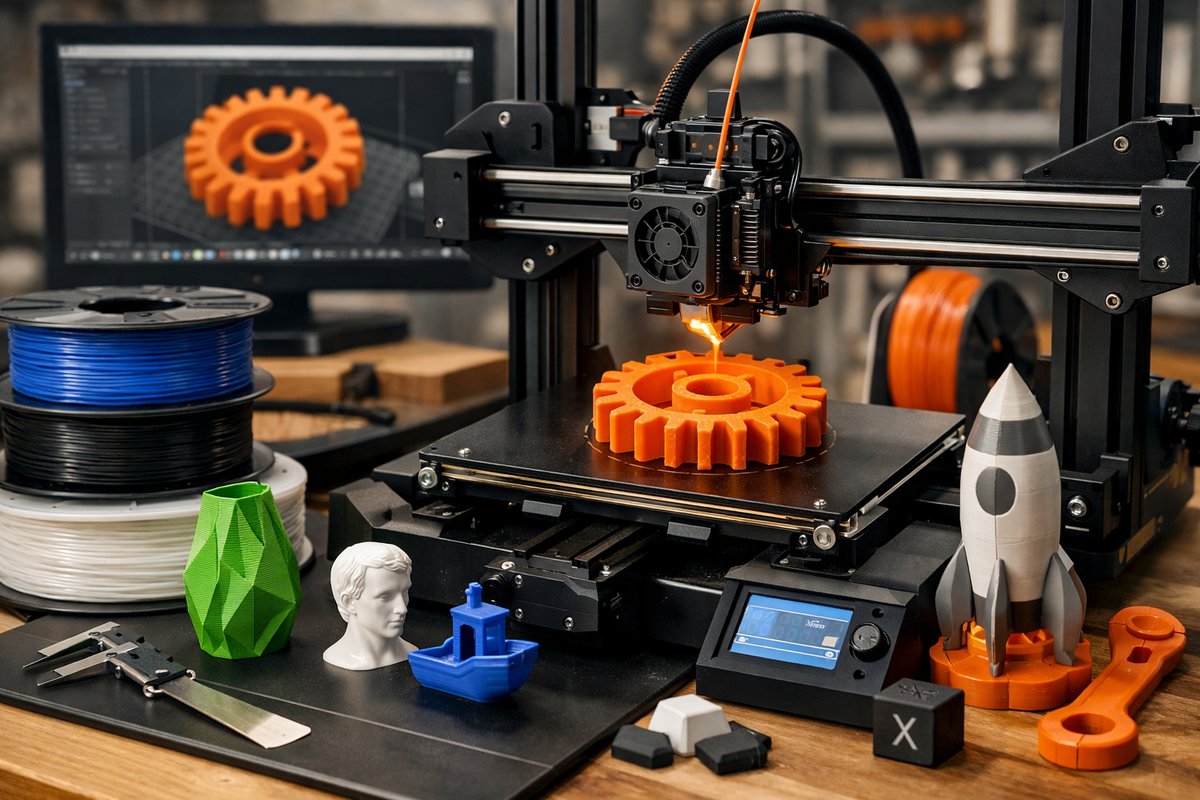
Fused Deposition Modeling (FDM) stands as one of the most accessible and versatile additive manufacturing techniques, enabling creators to transform digital models into physical objects layer by layer. This guide explores the essentials of FDM, from selecting the right filament to optimizing printer settings, empowering beginners and enthusiasts to bring their ideas to life with precision and creativity.
Additive manufacturing has revolutionized how we conceive and produce objects, shifting from traditional subtractive methods to building up material layer by layer. Among the various techniques available, Fused Deposition Modeling (FDM) remains one of the most widely adopted due to its relative affordability, ease of use, and broad material compatibility. This article delves into the practicalities of FDM, offering a comprehensive overview of the process, materials, and tools essential for success, and inspiring readers to embark on their own 3D printing journey.
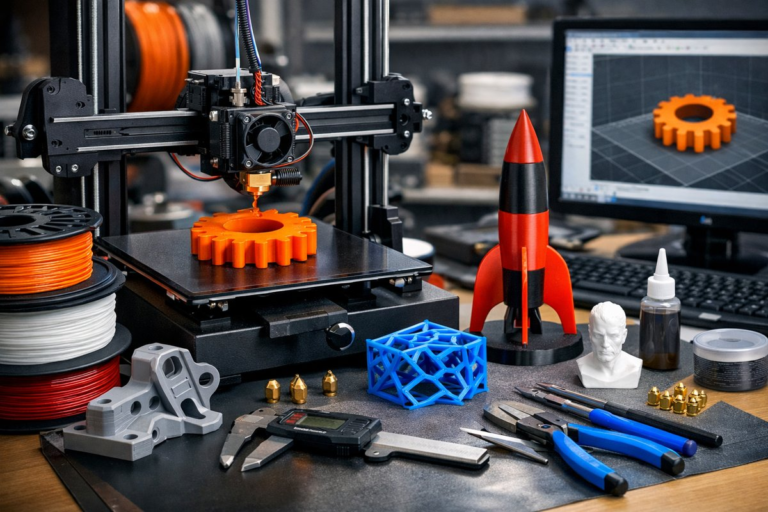
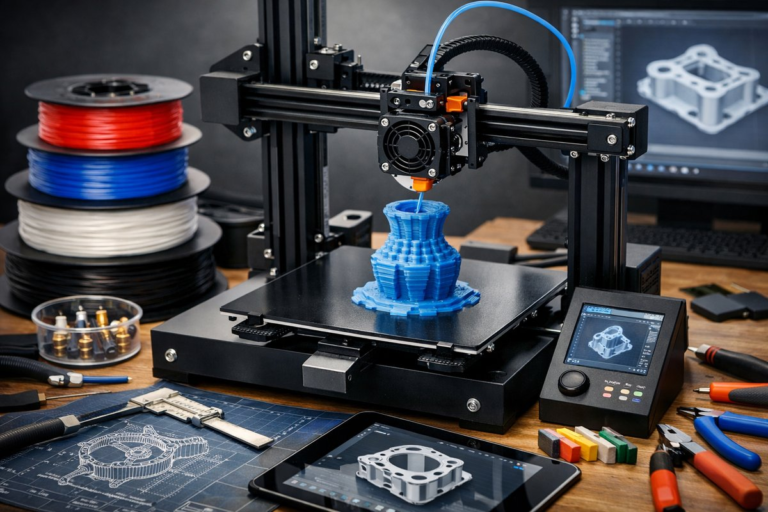
FDM works by extruding thermoplastic filament through a heated nozzle, depositing material precisely according to a digital 3D model sliced into layers. As each layer cools and solidifies, the object gradually takes shape, enabling complex geometries that would be difficult or impossible to achieve with traditional manufacturing. This layer-by-layer approach also allows for rapid prototyping, customization, and small-batch production without the need for molds or tooling.
The heart of any FDM setup is the 3D printer itself. Modern desktop FDM printers vary widely in build volume, resolution, and features, but most share core components: a heated nozzle, a build platform (often heated), stepper motors for precise movement, and firmware controlling the process. Selecting a reliable printer with a stable frame and quality motion components is crucial for achieving consistent prints. Features such as auto bed leveling and filament sensors enhance ease of use, especially for newcomers.
Equally important is the choice of filament material. The most common filaments include PLA (Polylactic Acid), ABS (Acrylonitrile Butadiene Styrene), PETG (Polyethylene Terephthalate Glycol), and TPU (Thermoplastic Polyurethane). PLA is favored for its biodegradability, low warping, and ease of printing, making it ideal for beginners and general-purpose models. ABS offers greater strength and heat resistance but requires a heated chamber and careful ventilation due to fumes. PETG strikes a balance with good strength and flexibility, while TPU provides elasticity for flexible parts.
Filament diameter consistency and quality significantly impact print reliability. Standard diameters are 1.75 mm and 2.85 mm, with 1.75 mm being more prevalent. Choosing filament from reputable manufacturers ensures uniform extrusion and reduces the risk of nozzle clogging or layer inconsistencies. Additionally, filament storage is vital; hygroscopic filaments absorb moisture, which can degrade print quality. Using airtight containers with desiccants preserves filament integrity.
Preparing your digital model involves slicing software, which translates 3D designs into printer instructions (G-code). Popular slicers offer user-friendly interfaces and customizable settings such as layer height, infill density, print speed, and support structures. Layer height determines vertical resolution; smaller layers yield finer detail but increase print time. Infill affects internal strength and weight, with options ranging from sparse lattices to solid fills.
Optimizing print parameters is a balancing act. Printing too fast can cause under-extrusion or poor layer adhesion, while overly slow speeds extend production time unnecessarily. Temperature settings depend on filament type; for example, PLA typically prints between 190°C and 220°C. Bed temperature helps with adhesion; PLA often requires 50-60°C, whereas ABS needs around 100°C to prevent warping.
Post-processing enhances the appearance and functionality of prints. Removing support material carefully prevents surface damage. Sanding smooths layer lines, while acetone vapor smoothing (for ABS) creates glossy finishes. Painting and assembling multi-part prints expand creative possibilities.
Safety considerations include adequate ventilation to mitigate fumes, especially when printing ABS or specialty filaments. Maintaining a clean workspace and proper printer maintenance, such as nozzle cleaning and lubrication, prolongs equipment life.
The versatility of FDM extends beyond hobbyist applications. Engineers use it for rapid prototyping functional parts; educators employ it to demonstrate STEM concepts; artists explore new forms; and entrepreneurs prototype product designs. Its accessibility invites experimentation, fostering innovation and problem-solving skills.
In summary, mastering FDM additive manufacturing requires understanding the interplay between printer hardware, filament materials, slicing parameters, and post-processing techniques. With patience and practice, users can unlock a powerful creative tool that transforms digital ideas into tangible realities, layer by layer. Whether crafting prototypes, customized tools, or artistic objects, FDM offers a gateway into the expanding world of additive manufacturing.